
Lifecycle
compared with the average for videos published since tracking started (227 so far)- Published on OFTV
- Picked up by OF Candy
- First featured on the OFTV homepagenot yet
- Creator shown on OnlyFans Discovernot seen on Discover since this video came out
- Last seen featured—
- OnlyFans profile likes during the featureprofile not checked yet
Description
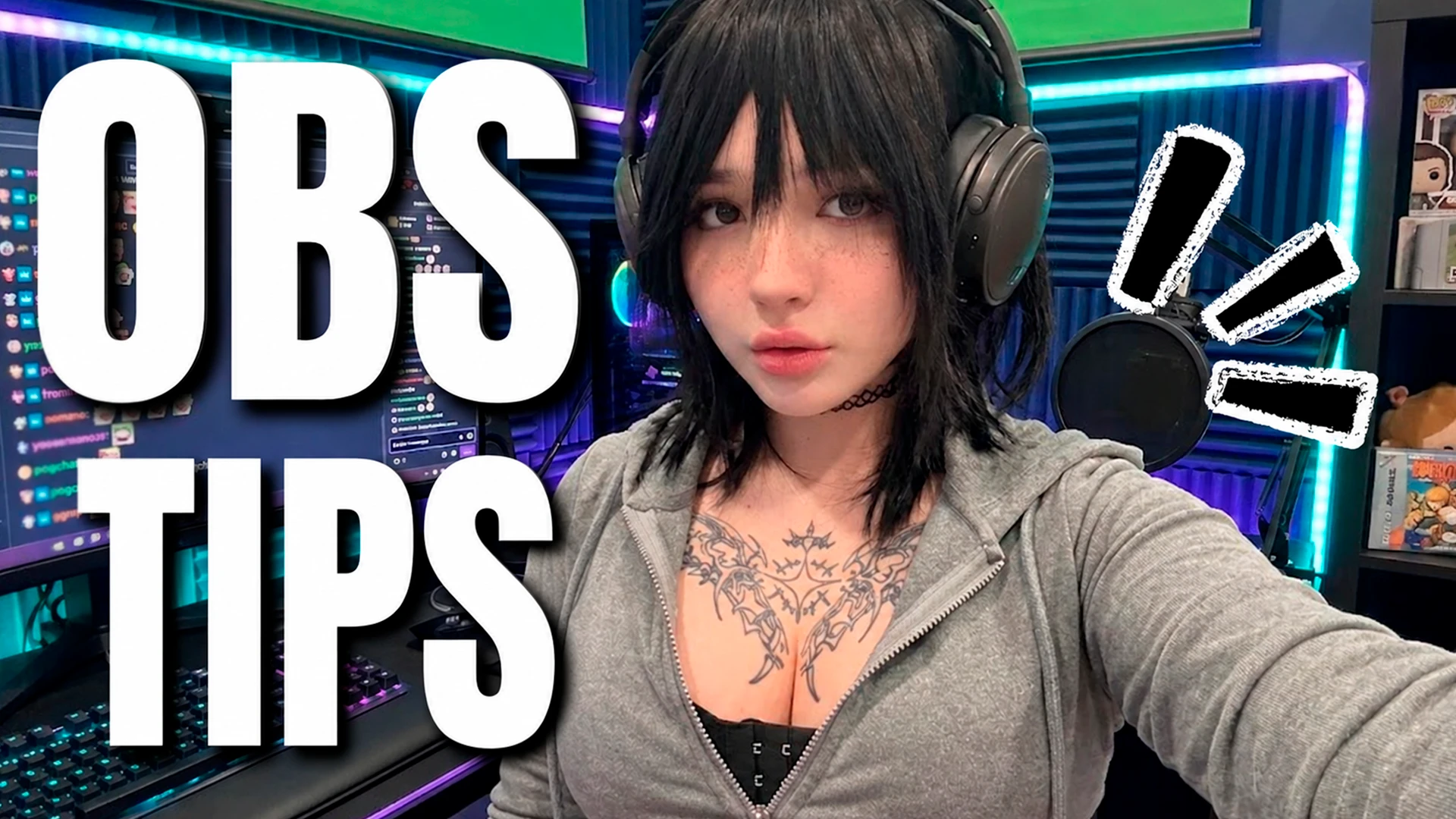
Hey guys, it’s Flare, and today I’m showing you how to set up and use OBS for streaming. I go over my scenes, widgets, alerts, webcam setup, audio settings, and a few tips that can help make your stream feel more fun and interactive. OBS can look overwhelming at first, but once you get used to it, it gives you way more freedom to customize your streams and make them your own.
Where OFTV showed it
every homepage, hero and genre spotNot seen in a featured spot since tracking started.
Homepage position per day
best spot that day, lower is betterBuilds up as the hourly collector logs the homepage.
OFTV does not publish views or likes per video. Likes are tracked per OnlyFans profile instead.